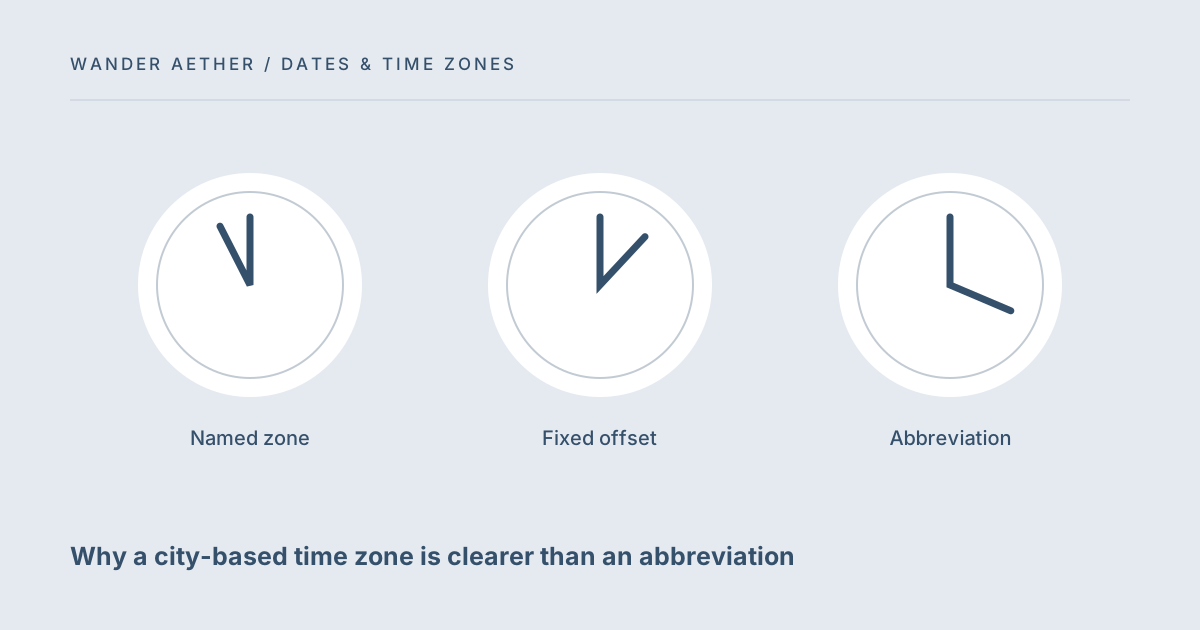
A short zone abbreviation can look precise while hiding several possible meanings. Even a familiar abbreviation may describe only part of a location's year if seasonal clock changes apply. The timezone converter uses named IANA zones so the calculation includes a place and a date. This guide explains how to choose that zone and how to handle a source document that supplies only an abbreviation or a fixed UTC offset.
Reference table
| Item or scenario | Value or choice | What to remember |
|---|---|---|
| Named zone | Europe/London | Place-based rules for the chosen date |
| Fixed offset | UTC+07:00 | Explicit arithmetic offset |
| Abbreviation | CST or similar | Needs location and context |
| Device local zone | Your present setting | Not automatically the event source |
Separate the three kinds of time labels
A named zone such as Europe/London describes date-dependent clock rules for a place. A fixed offset such as UTC+07:00 describes a mathematical difference from UTC at a moment or under a stated convention. An abbreviation is a short label whose meaning depends on context. Those labels are not interchangeable. If the booking clearly gives a fixed offset for the event, keep it as part of the evidence. If it gives a city and local time, select the corresponding named zone rather than guessing a year-round offset from the abbreviation you remember.
Choose the place that owns the event
The source zone belongs to the event, not necessarily to your current location. For a London appointment while you are browsing in Ho Chi Minh City, the source is Europe/London. Your device's automatic clock location does not determine how that appointment should be interpreted. The destination zone is the clock you want to compare against. The curated zone list covers common travel locations and UTC; it is not a complete city directory. For an unsupported place, use a trusted zone-aware source rather than selecting a nearby city without confirming identical rules.
For the next input check, use Travel Time Zone Converter. Its result should retain the assumptions described here.
Use offsets as confirmation rather than substitution
After converting, the UTC output provides a reference timestamp that can be compared with a booking's explicit offset. If the event occurs during a repeated hour, the offset may help distinguish the two occurrences. A mismatch is a reason to review the date, source location and provider wording. Do not force the calculator to a convenient result by changing cities. Some locations share an offset today but use different seasonal or future rules. The date-aware named zone should reflect the actual event location or a confirmed equivalent, not merely an offset that looks right now.
Communicate with a readable place and full date
A practical message can say the meeting is at 09:00 Europe/London on a specific date and include the converted date and time for the receiver. This is longer than a three-letter abbreviation but much easier to audit. For transport, retain the city name printed on the itinerary as well as the converter zone. Do not assume every receiver recognizes an IANA identifier. A brief plain-language label such as London local time gives the technical identifier context while keeping the exact calculation reproducible for someone who wants to check it.
A related planning question is covered in Daylight saving changes: skipped and repeated travel times.
When your exact city is not listed
The converter provides a curated selection of zones rather than a complete place database. If your city is absent, do not select the closest-looking city simply because it has the same current clock. Confirm the appropriate IANA zone or an equivalent rule set through a trustworthy time-zone source, then use a suitable supported tool if this list cannot represent it. Nearby places can have different legal clock rules, and a shared offset on today's date does not establish equivalence on the travel date. If a provider gives an exact UTC timestamp, that timestamp can serve as a reference without guessing a city abbreviation. Preserve it along with the provider's local wording. This is an honest limit of the current interface: it covers common examples well but does not claim every destination. A smaller correct selection is more useful than a broader menu built from unverified aliases. The next step for unsupported locations is verification, not inventing a shortcut that happens to produce a plausible number on your device.
Worked example
Worked example: Priya receives a note for 10:00 CST without a location. She does not choose a zone immediately because the abbreviation alone is insufficient. After the organizer confirms that the event is in Chicago, she chooses America/Chicago and the actual date in the converter. She converts into Asia/Singapore for her trip and saves both complete lines plus UTC. A later note gives a London event using a winter abbreviation for a summer date. She verifies the intended local clock with the organizer and uses Europe/London rather than trying to keep that abbreviation fixed across the year.
Before you finish
- Identify the city or place that owns the event.
- Retain the complete date rather than just a clock reading.
- Ask for clarification when an abbreviation is ambiguous.
- Check explicit booking offsets against the reference timestamp.
- Keep a plain-language place label beside the named zone.
Your next step
Named zones reduce ambiguity but cannot repair an ambiguous source document on their own. The tool's limit is useful: it requires you to state the event location. When that location is missing, clarify it before calculating. See the daylight saving guide when two source occurrences remain possible even after the place and date are known.
Continue with Planning one remote meeting across travel time zones. When your plan needs the next calculation, open Trip Budget Planner and carry over only the inputs appropriate to that tool.
Time-zone reference
The IANA Time Zone Database explains the source of place-based clock rules. This site uses the data available in your browser, not a live database download.