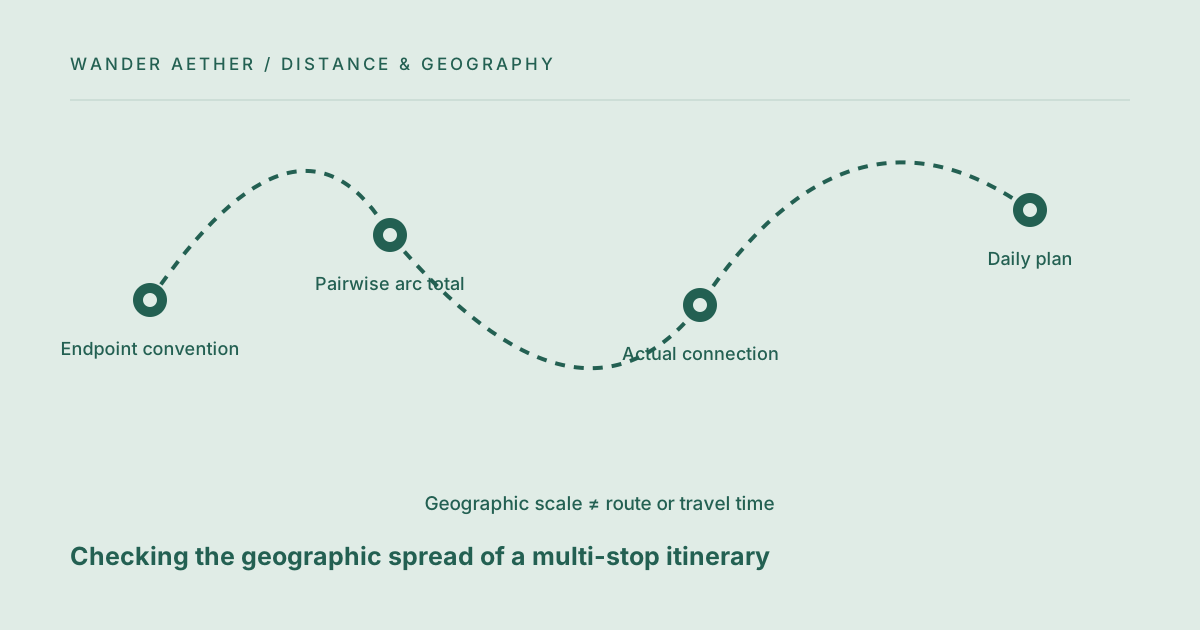
A multi-stop plan can look compact on a stylized map while covering large geographic jumps. Pairwise great-circle calculations help reveal that spread early. They do not select a route or confirm a connection. This workflow uses the distance calculator as a screening tool, then moves to route-specific checks before the itinerary is treated as practical. Its goal is to reduce avoidable zigzagging, not to promise an optimal tour.
Start with an ordered stop list
Write the proposed order and the exact endpoint represented by each stop. Use city centers if the question is broad geographic spread, or verified terminals if you are examining transport endpoints. Keep that choice consistent. Calculate the separation for each consecutive pair and record it in a table. The total of those pairwise arcs describes a sum of approximated geographic legs, not a journey that can necessarily be traveled along those arcs. Include the return leg when it is part of the plan, otherwise a sequence can appear shorter simply because it stops far from home.
Look for backtracking rather than a magic threshold
Compare a few sensible stop orders using the same endpoint coordinates. A pattern that repeatedly moves east, then west, then east again may deserve review. There is no universal distance threshold above which a multi-stop trip is bad. The value of a stop, length of stay and available transport all matter. The geographic comparison gives you a question to investigate: does this extra movement support an important part of the trip? It does not answer that question automatically or make the nearest-neighbor order best for every traveler.
For the next input check, use Straight-Line Distance Calculator. Its result should retain the assumptions described here.
Check real connections before choosing the order
A shorter geographic sequence may have poor transport links, inconvenient departure times or extra transfers. A longer sequence may align well with a direct service. After the screening calculation, check actual routes and schedules for the promising orders. Include terminal access and the time needed around departure and arrival. The distance calculator contains none of that information. Keep a second column for verified or provisional journey time so geographic elegance does not override a route that is easier to use with your luggage and travel dates.
Protect the day after a large transfer
A day with significant travel should not automatically receive the same sightseeing plan as a day spent in one neighborhood. Use route-specific time estimates in the itinerary pace calculator, including transfers, breaks and a buffer. If the day is over capacity, remove or move stops rather than assuming a faster pace will solve the issue. The geographic table and daily time budget work together: one shows the spread of the trip, while the other shows whether the proposed activities fit the available hours at each stop.
A related planning question is covered in What straight-line travel distance can and cannot tell you.
Comparing stop orders fairly
A fair comparison keeps the start point, end point and required stops identical. An open-jaw itinerary ending at C should not be ranked against a loop returning to A solely by the sum of its internal legs; the missing return is a different travel requirement. Include the onward or home connection appropriate to each alternative, or state clearly that you are comparing only the regional portion. Also separate geographic length from the value of each stop. Removing a stop can reduce the sum dramatically but changes the experience, so it is not merely an optimization of the same itinerary. Keep a short decision table with distance, actual route-time information and the reason for including each place. This lets you evaluate deliberate scope changes alongside ordering changes without confusing them. The calculator remains a pairwise geometry tool. The planning framework around it supplies the constraints that make a comparison fair, and those constraints should travel with any total you share.
Worked example
Worked example: A traveler considers A→B→C→A and A→C→B→A using three verified city-center coordinate pairs. She calculates each consecutive great-circle leg and sums the results in a private table. The second order reduces the geographic total, but its middle connection requires a long wait and an extra transfer on the chosen date. She keeps the first order because the actual connection works better, then shortens sightseeing on its longest travel day. This is a successful use of the distance tool: it made the trade-off visible without claiming that the geographically shortest sequence was the best usable itinerary.
Reference table
| Item or scenario | Value or choice | What to remember |
|---|---|---|
| Endpoint convention | City center or terminal | Use consistently |
| Pairwise arc total | Geographic screening | Not an executable route |
| Actual connection | Schedule and transfers | Check separately |
| Daily plan | Route-time inputs | Review with itinerary pace |
Before you finish
- List stops in order and include the return where relevant.
- Use the same endpoint convention throughout.
- Compare only a few purposeful alternative orders.
- Check real route options before selecting an order.
- Reduce activity load on long-transfer days.
Your next step
Keep the distance table as a planning note rather than a navigation document. Its independent value is exposing avoidable spread and prompting route questions early. Once connections are chosen, save their actual times and use those in the trip's operational schedule instead of reusing geometric distance as a proxy.
Continue with Latitude and longitude: entering coordinates without swapping them. When your plan needs the next calculation, open Itinerary Pace Calculator and carry over only the inputs appropriate to that tool.